
A signature is an authorization
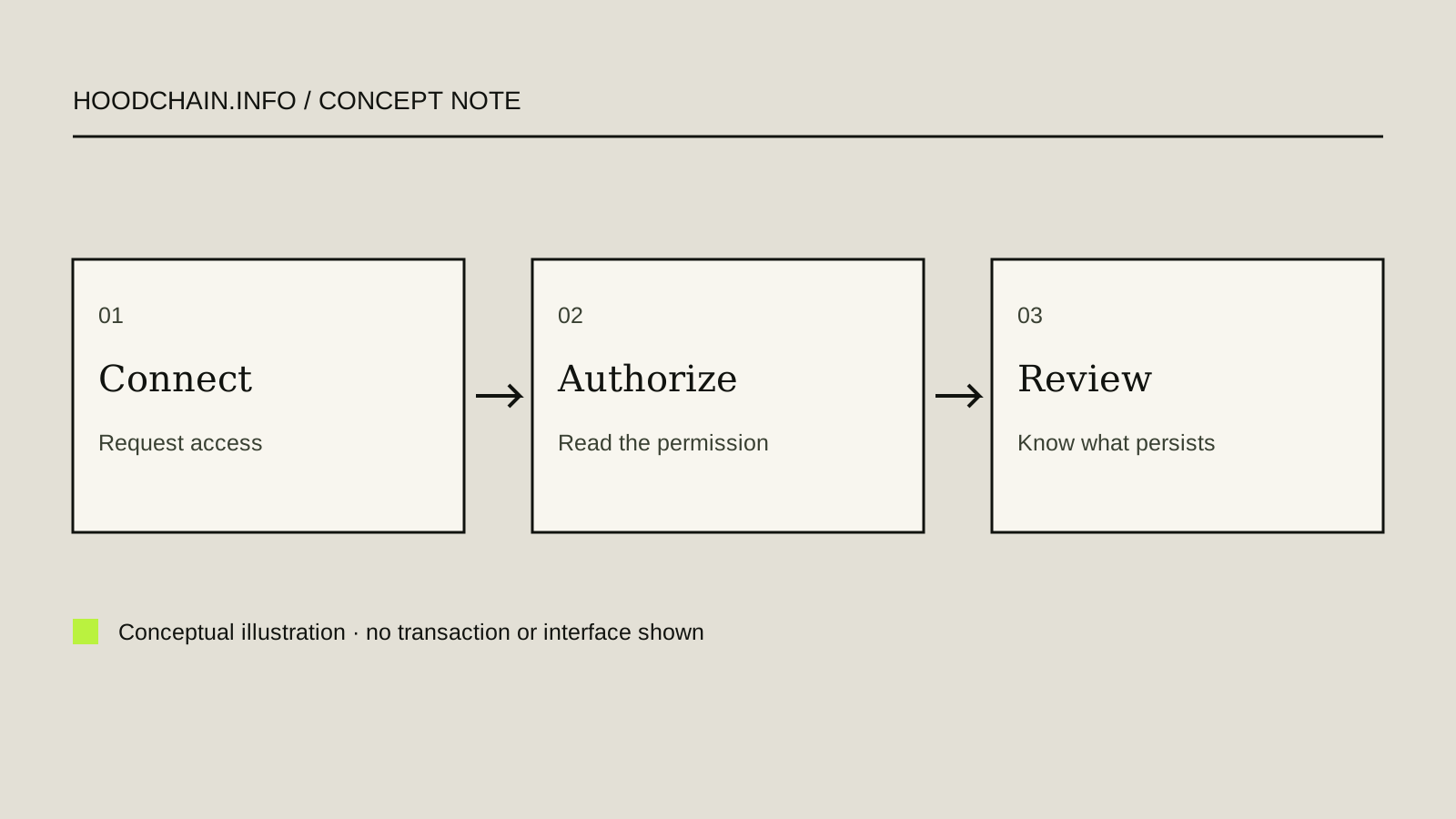
A wallet connection usually exposes an address and lets an application request actions. The meaningful risk changes when you authorize a signature or transaction. Read what that request permits rather than treating all popups as a login step.
A token approval can authorize a spender to use a specified token amount. It is distinct from a transfer and can persist after the task you had in mind. Some signed-message systems also carry spending authority without an immediate network transaction.
Read four parts of a request
- Network: is this the network where you intended to act?
- Asset: does the contract match the asset you mean?
- Authority: which spender or contract can act, and for what amount or scope?
- Duration: is there an expiry or continuing permission?
If the wallet cannot make the request understandable, seek the application’s current official explanation. A recognizable domain is useful context but does not make every request acceptable.
Disconnecting is not the same as removing a permission
Disconnecting a website can stop its current interaction with your wallet interface. It does not necessarily change a permission already recorded onchain or invalidate an already issued signature. Permission management must match the mechanism that created the authority.
Do not use a random revocation link from an unsolicited message. Find the wallet or application’s documented permission-management process and verify the network and spender. A revocation can itself require a transaction and gas; no revocation is executed on this site.
Worked example: an unexpectedly large allowance
A learner intends a small trade but sees a request to authorize a much larger token amount. The task and permission differ. Before signing, the learner should understand whether the interface allows a smaller amount and why the application asks for the broader authority.
Declining the request preserves the option to investigate. It does not require a “verification deposit”. If a transaction has already executed, inspect the actual approval record rather than assuming the website’s disconnect button undid it.
Permission checks have limits
A precise allowance can reduce the scope of a particular permission, but it does not establish that the application, token or wallet is safe. Contract behavior, upgrades, malicious signatures and compromised recovery material require separate consideration.
Never share the recovery phrase to “verify” a signature. A support agent needs public evidence of a request, not the secret that can recreate signing access.
Scope, duration and revocation are separate questions
A connection can let a dapp view a public address or request actions. A cryptographic signature is evidence that a key signed data; what it authorizes depends on the message format and protocol. It is not automatically an onchain transfer. A transaction is a submitted network operation that may change state and may incur a network fee. A token allowance is a contract-recorded permission for a spender to use a token within its scope. Do not infer one from another.
Read the token/contract, spender, network, amount or cap and any expiration. A standard allowance may persist until changed; some signed-permit or product-specific mechanisms may have expiry. A displayed cap or expiry does not establish that the dapp or contract is safe.
MetaMask’s documentation distinguishes disconnecting a dapp from revoking an allowance. Revocation is itself an onchain transaction and can require gas; it does not reverse an already completed transfer, invalidate every signature type or guarantee security. Follow only the exact wallet’s current official permission-management documentation; never use a link supplied in an unsolicited message.
Fictional request E-09: what has and has not happened?
Invented request card: “Message signature requested”; network “ExampleNet”; spender “Example S”; token “Q”; cap “unlimited”; expiry “not shown”; no transaction hash. Answer: this card suggests a broad requested authority, but without the message format and contract evidence its exact effect is unknown. It does not prove an approval transaction was submitted or that the dapp is safe. Do not sign to discover what it does; stop and seek current official documentation.
This explanation is not a contract audit, wallet test or recommendation to revoke. Revocation can create costs and has network-specific consequences. No signature, approval or transaction was performed.
Read-only dapp connection checks—without connecting
A dapp session, wallet network, token allowance and onchain transaction are separate records. If a site says “wallet not connected,” do not connect as a diagnostic test. Record only nonsecret details already visible in the app/site: date and timezone, device/browser and displayed app or extension version, site domain as text (do not follow an unsolicited link), selected network and visible chain ID, connection indicator, any existing permission entry, exact error wording and whether a signature/transaction is shown as pending or completed.
Compare the network and supported action with the wallet’s dated official help. A network mismatch may explain why a dapp cannot use a wallet session, but a screenshot or error alone does not prove the cause. Robinhood Wallet help says its dapp connection flow exposes public address/balance and distinguishes connection permissions from token approvals; MetaMask likewise separates dapp permissions from onchain allowance state. A disconnected session does not erase past approvals or reverse transactions.
Fictional fixture D-53: fields missing, cause unknown
Invented diagnostic record: wallet UI “not connected”; displayed client “Example Wallet 9.9” (fictional); selected network ID 46630; dapp request network “not shown”; existing dapp permission “not checked”; no signature or transaction hash supplied. Answer: network mismatch is plausible only if the dapp’s required chain is verified; because its chain and permission state are missing, the cause remains unknown. Do not connect, switch networks, sign, or change permissions to fill the gaps. Use the product’s official support route if the current account/app still needs help.
This is a fictional, read-only record. No dapp, session, wallet, endpoint, account, version or chain state was tested. A public address is not a secret, but avoid posting identifying account details; never include a recovery phrase, private key, PIN or one-time code in a support note.